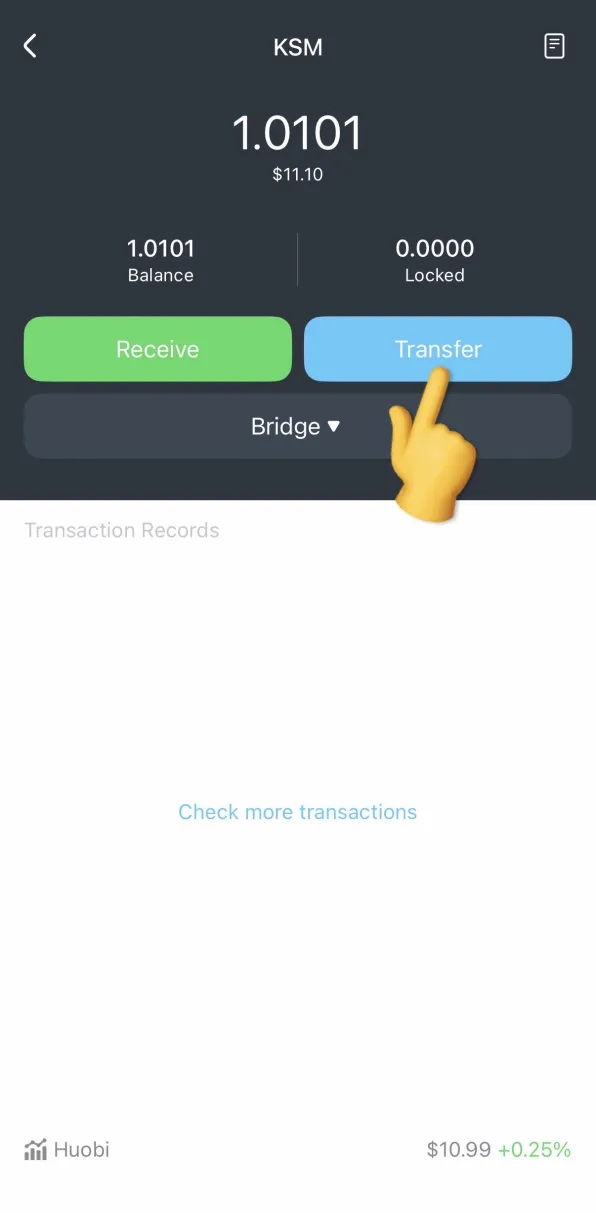
The Asset Hub migrations for Kusama were successfully executed on October 7th. (https://support.polkadot.network/support/solutions/articles/65000190561)
How do I use the MathWallet app to view and transfer my KSM balance?
Follow guide below and start using Kusama Asset Hub:
First, install the MathWallet latest version from
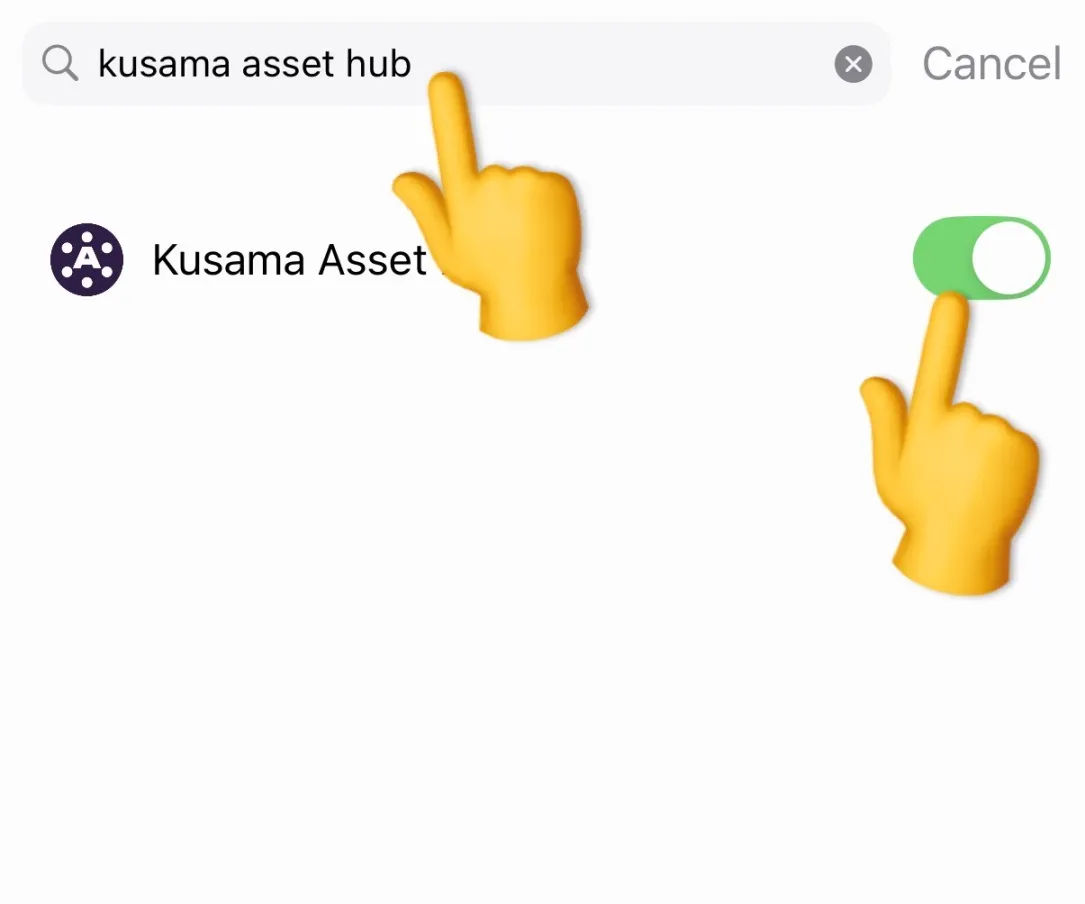
On the chain list click + button at bottom, search and open Kusama Asset Hub
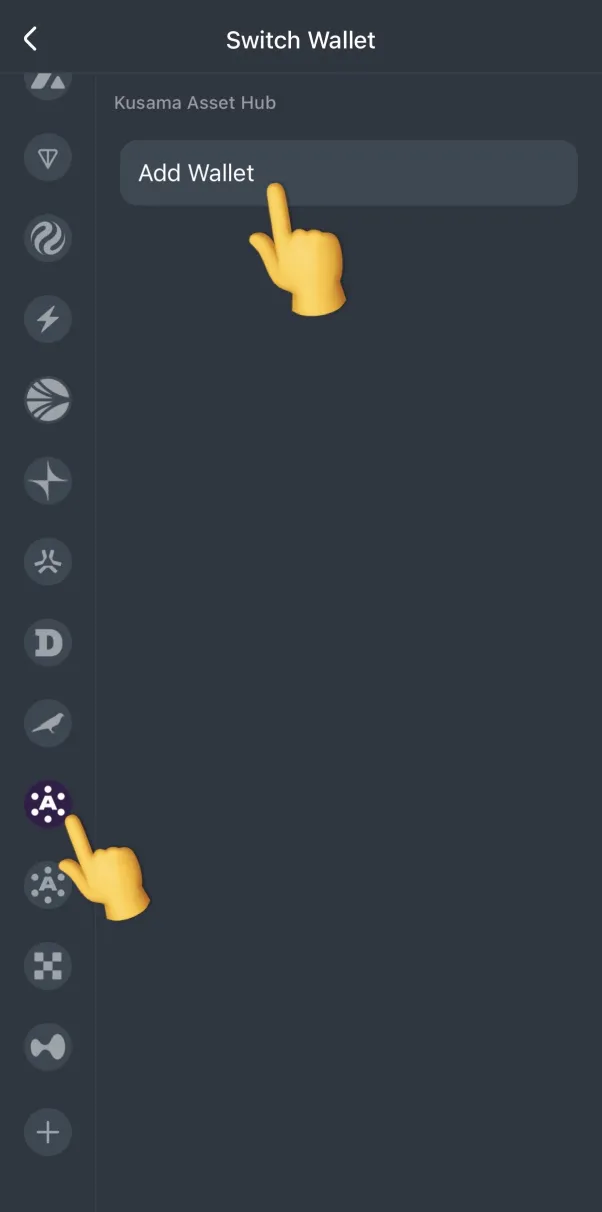
Return to the public chain list page, find the Asset Hub (Kusama) network, and add wallet
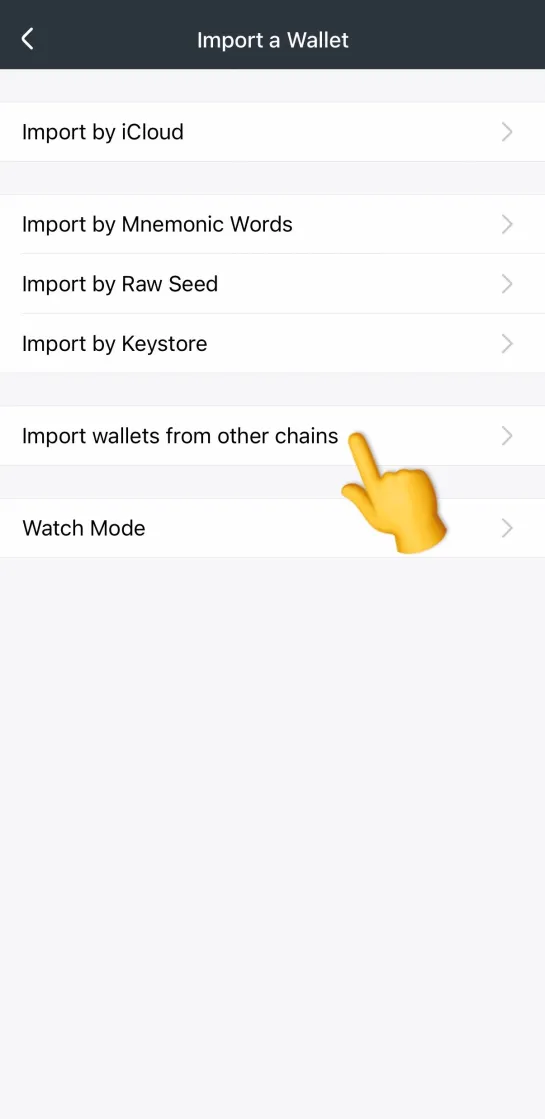
(You can select “Import wallet from other chains” to see your original balance.)
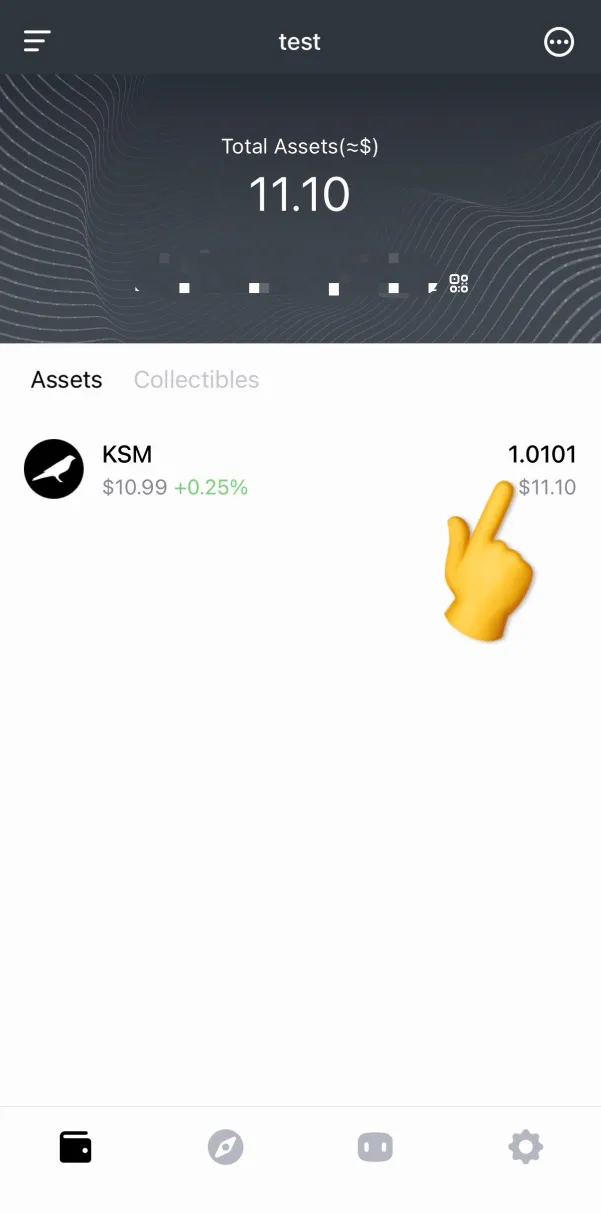
Then you will able to receive and send tokens